
When we talk about the Tools Needed for App Development Beginners, it usually starts messy—too many opinions, too many “must-have” lists online. We’ve seen beginners jump straight into advanced setups and then backtrack within a week. Honestly, you only need a few app development tools for beginners to actually begin—nothing fancy. A simple editor, basic mobile app development software, and patience with setup errors that refuse to make sense at first. We often remind learners that the Tools Needed for App Development Beginners are not about quantity, they’re about not getting lost in the first place. And if you’ve ever felt stuck watching tutorials without building anything, that’s exactly the gap structured learning like the JioSkill internship tries to fix.
Code Editors & IDEs for App Development Beginners
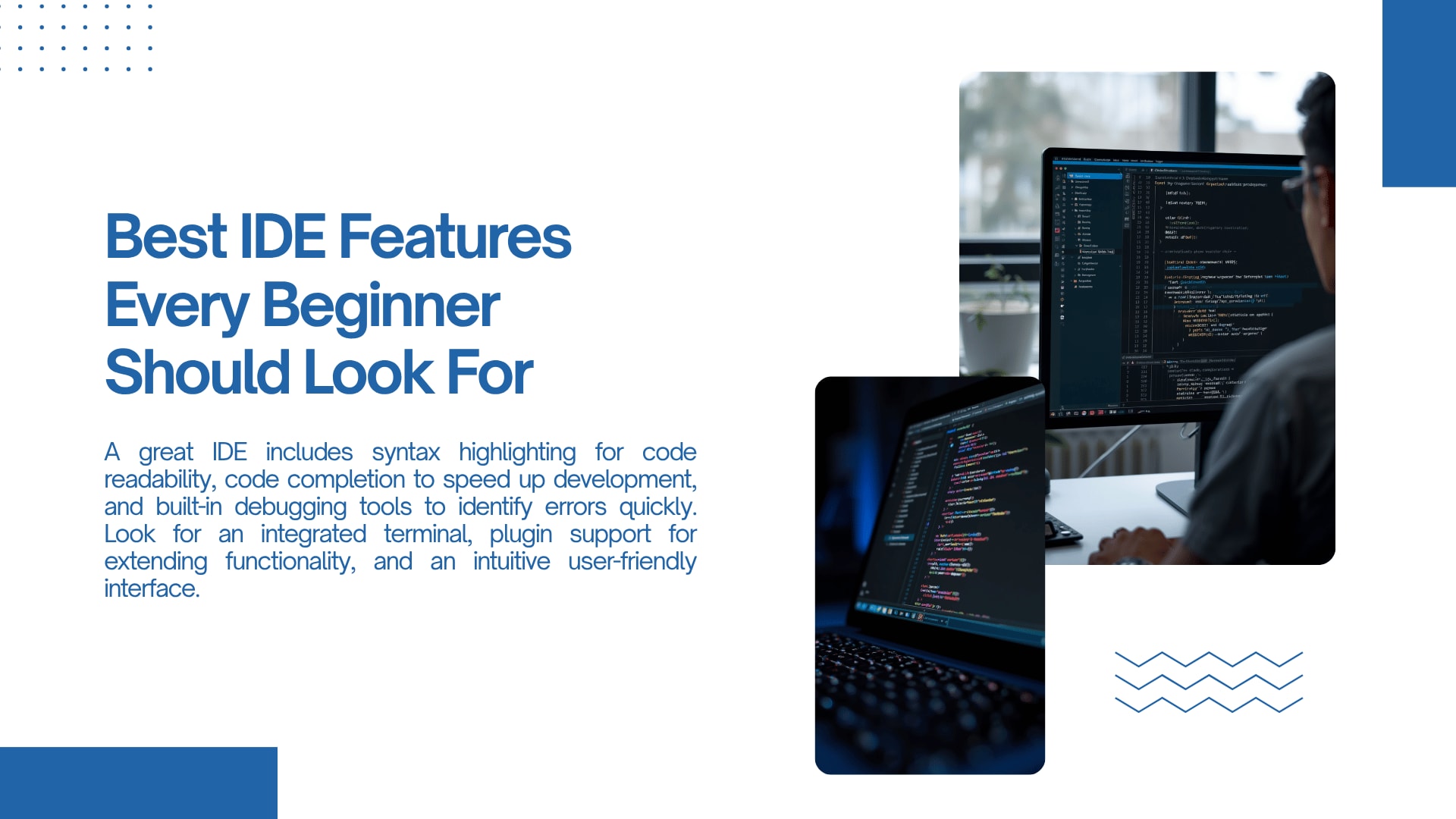
Code editors are where everything starts, even if it doesn’t feel exciting at first. Most beginners switch between three or four before settling, which honestly slows things down. When choosing beginner coding tools, something lightweight like a clean IDE is more than enough in the beginning stage. We’ve noticed that the Tools Needed for App Development Beginners often get overcomplicated right here—people think they need industry-grade setups on day one. You don’t. You just need something that runs smoothly and doesn’t crash your confidence every ten minutes. That stability matters more than features you won’t even touch yet.
Best IDE Features Every Beginner Should Look For
We usually tell learners not to chase “advanced features” early on, even though it’s tempting. Auto-complete, error highlighting, and simple debugging tools are really all you need in the beginning. The Tools Needed for App Development Beginners should reduce confusion, not add layers of it. Sometimes beginners ignore usability and pick tools just because they look popular online, then struggle silently. We’ve seen that pattern repeat too often. A good IDE should quietly support you, not demand you learn it like a separate subject.
Free vs Paid Code Editors: What to Choose
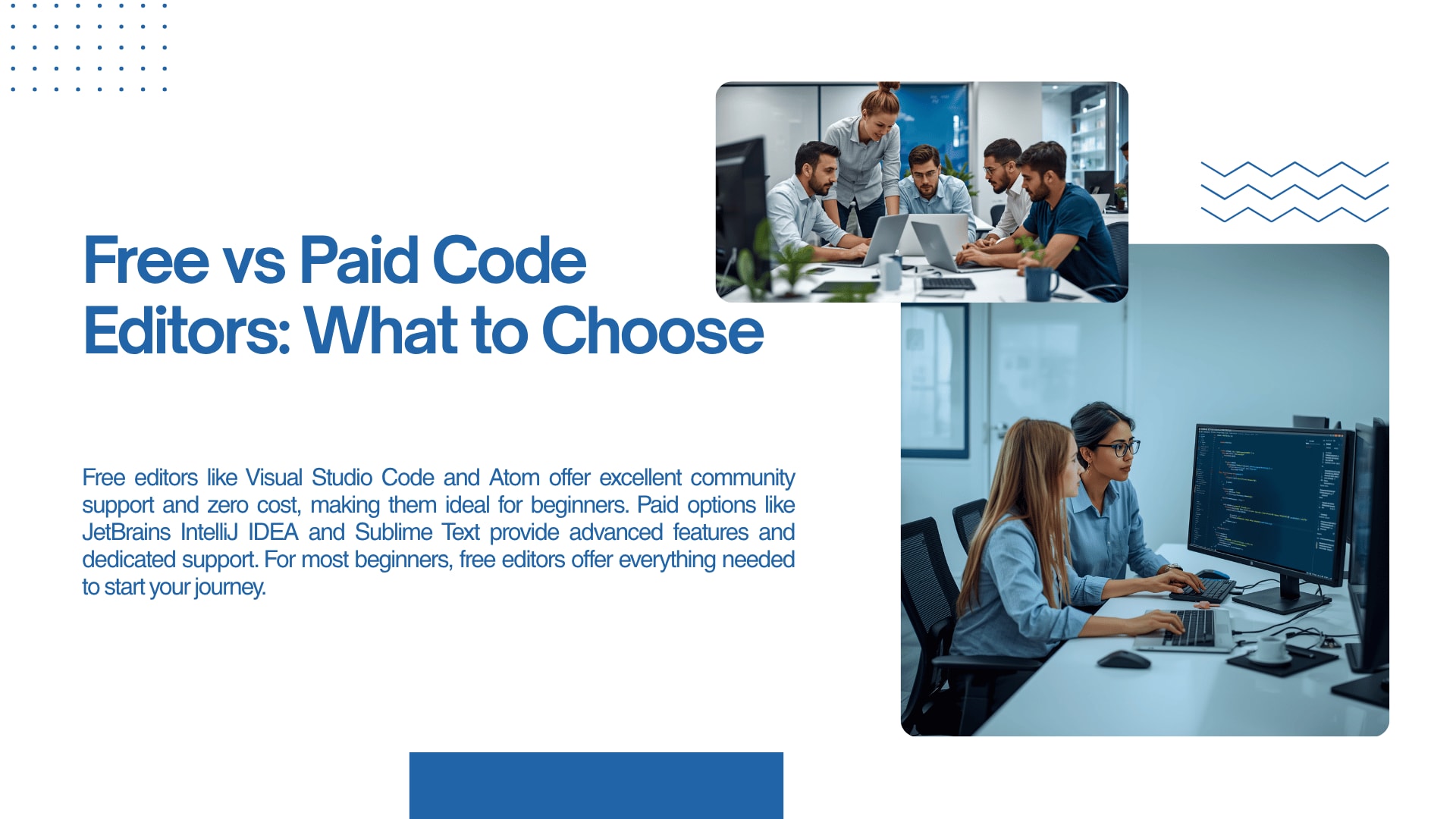
This is where most beginners overthink things. Free tools are honestly more than enough when you’re starting out, even if paid versions look “professional.” We’ve seen learners waste weeks deciding instead of actually building. The Tools Needed for App Development Beginners don’t require investment upfront, despite what online ads suggest. Paid tools only make sense when your projects actually demand them, not before. If something free already does the job, stick with it and move forward.
Version Control Systems Every Beginner Must Learn
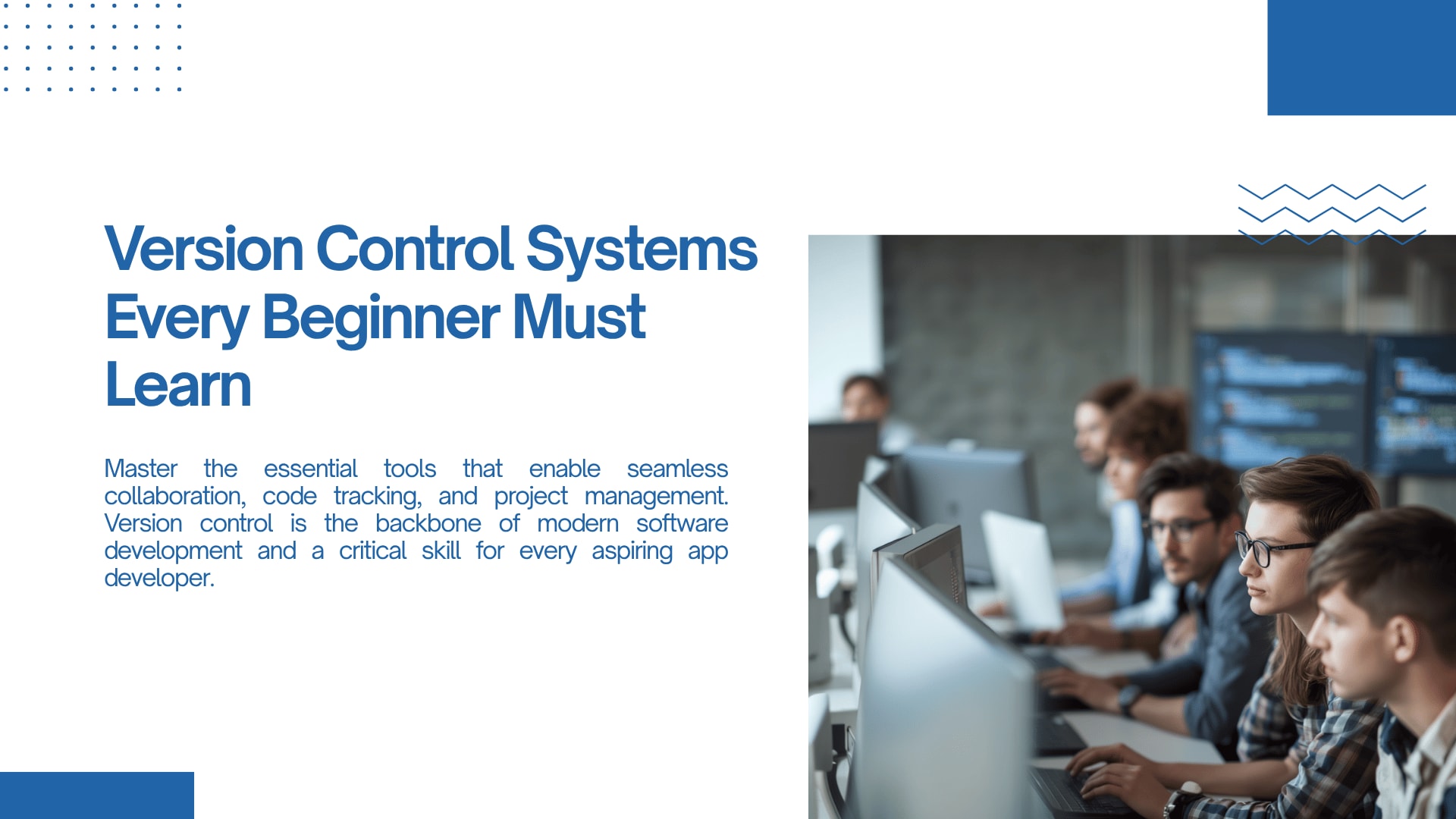
Version control sounds scary at first, mostly because it’s explained in a very formal way online. But once you start using it, it becomes one of those quiet habits that saves you from disasters. Among the Tools Needed for App Development Beginners, this one feels boring but becomes essential fast. Beginners often skip it until they lose code and regret it instantly. We’ve seen that moment happen more times than we can count.
Why Git is Important for Beginners
Git is usually the first real exposure to “professional workflow” for beginners. It feels confusing initially—commands, commits, branches—but it slowly clicks. The Tools Needed for App Development Beginners list almost always includes Git for a reason: it keeps your work safe when things break (and they will). We often tell learners not to aim for mastery on day one, just basic comfort. That alone is enough to avoid most beginner disasters.
How Version Control Improves Team Collaboration
Even if you’re learning solo, version control quietly prepares you for teamwork later. When multiple people work on the same project, things can get messy without it. The Tools Needed for App Development Beginners aren’t just about solo learning; they’re about real-world habits. We’ve seen beginners struggle less in internships simply because they already understood basic Git workflows. It’s one of those skills that feels optional—until it suddenly isn’t.
Top Platforms & Frameworks: Tools Needed for App Development Beginners
Frameworks can feel overwhelming because there are just too many choices floating around. We usually suggest not jumping into trends too early. The Tools Needed for App Development Beginners should include only one framework at the start, not three. Beginners often switch mid-learning and lose momentum completely. Consistency matters more than choosing the “perfect” stack.
Mobile App Development Frameworks (Android & iOS)
When it comes to mobile app development software, cross-platform tools often make things easier for beginners. Instead of learning two separate ecosystems, you can start with one and still build real apps. The Tools Needed for App Development Beginners here should reduce learning pressure, not double it. We’ve seen learners feel more confident when they can see results faster on both Android and iOS. That small win keeps motivation alive longer than theory ever does.
Native vs Cross-Platform Development Explained
This debate confuses almost every beginner at some point. Native feels powerful, cross-platform feels easier—both are valid in different situations. The Tools Needed for App Development Beginners depend more on your learning goal than industry debates. We usually advise starting cross-platform, just to avoid splitting attention early on. Once basics are solid, you can always go deeper into native development.
Beginner-Friendly Frameworks to Start With
Framework choice should feel simple, not like a research project. Beginners often pick based on popularity instead of ease of learning, which slows them down. The Tools Needed for App Development Beginners should include frameworks that let you build small apps quickly. We’ve seen confidence grow fastest when learners actually finish something, even if it’s basic. That early completion matters more than complexity.
Backend & Database Tools for Beginners
Backend tools are where things start feeling “real,” but also slightly intimidating. You don’t need heavy server setups in the beginning. The Tools Needed for App Development Beginners can include cloud-based backend services that remove setup stress. We’ve noticed beginners progress faster when they don’t fight infrastructure issues early on. Simpler is better until logic becomes comfortable.
Cloud-Based Backend Services Overview
Cloud backends help you focus on building instead of configuring servers. That shift alone removes a lot of beginner frustration. The Tools Needed for App Development Beginners should make experimentation easy, not risky. We often see learners finally enjoy development when backend complexity is reduced. It feels less like setup work and more like actual creation.
Best Databases for Beginner App Developers
Databases scare people more than they should at the start. In reality, beginner-friendly options are straightforward once you start using them. The Tools Needed for App Development Beginners include databases that don’t require deep configuration. We’ve seen learners get stuck just trying to install heavy setups they didn’t even need. Starting simple avoids that entire loop.
Kickstart Your Career with Tools Needed for App Development Beginners
Once the basics settle, everything starts connecting slowly—tools, frameworks, and actual projects. The Tools Needed for App Development Beginners are really just a foundation, not the destination. We always remind learners that consistent practice matters more than collecting tools. Structured learning paths like the JioSkill app development internship help bridge that gap between confusion and real experience. It’s where theory finally starts behaving like something you can actually use.
API Testing & Debugging Tools for Beginners
APIs can feel unpredictable at first, especially when things don’t respond the way you expect. Debugging tools help you understand what’s actually going wrong instead of guessing. The Tools Needed for App Development Beginners should include something for testing responses easily. We’ve seen beginners lose hours without these tools, simply because they were flying blind. A small testing setup saves a lot of unnecessary frustration.
Why API Testing Matters in App Development
API testing isn’t just a technical step—it’s how you learn what your app is really doing. When something breaks, this is usually where answers are found. The Tools Needed for App Development Beginners include API testing tools because guessing never scales. We’ve noticed learners become more confident once they can actually trace issues properly. It removes that “I don’t know what went wrong” feeling.
Top Tools to Simplify Debugging
Debugging tools don’t make development perfect, but they make it understandable. Beginners often ignore them until errors pile up. The Tools Needed for App Development Beginners should always include simple debugging support. We’ve seen learners progress faster when they stop treating errors like failures and start reading them like messages. That mindset shift is bigger than any tool itself.
Learning Platforms & Internships for Beginners
At some point, tutorials stop being enough and real practice becomes necessary. That’s usually where structured programs help the most. The Tools Needed for App Development Beginners extend beyond software—they include learning environments too. We’ve seen learners grow faster when they stop learning in isolation. Real guidance changes how everything connects.
Benefits of Joining an App Development Internship
Internships bring context that random learning often misses. You don’t just learn tools—you use them in actual workflows. The Tools Needed for App Development Beginners make more sense when applied to real tasks. We’ve seen confidence build quickly once learners move from watching to building. That transition is where real understanding starts forming.
How JioSkill Helps You Get Started with App Development Internship
A structured path makes a huge difference when everything feels scattered. The JioSkill internship focuses on practical exposure rather than just theory. The Tools Needed for App Development Beginners become easier to understand when used in real projects instead of isolated tutorials. We’ve noticed learners finally “get it” when they work on guided tasks instead of random exercises. It’s less about rushing and more about actually building something that feels real.
JioSkill Team
Content Creator
Content creator at JioSkill